
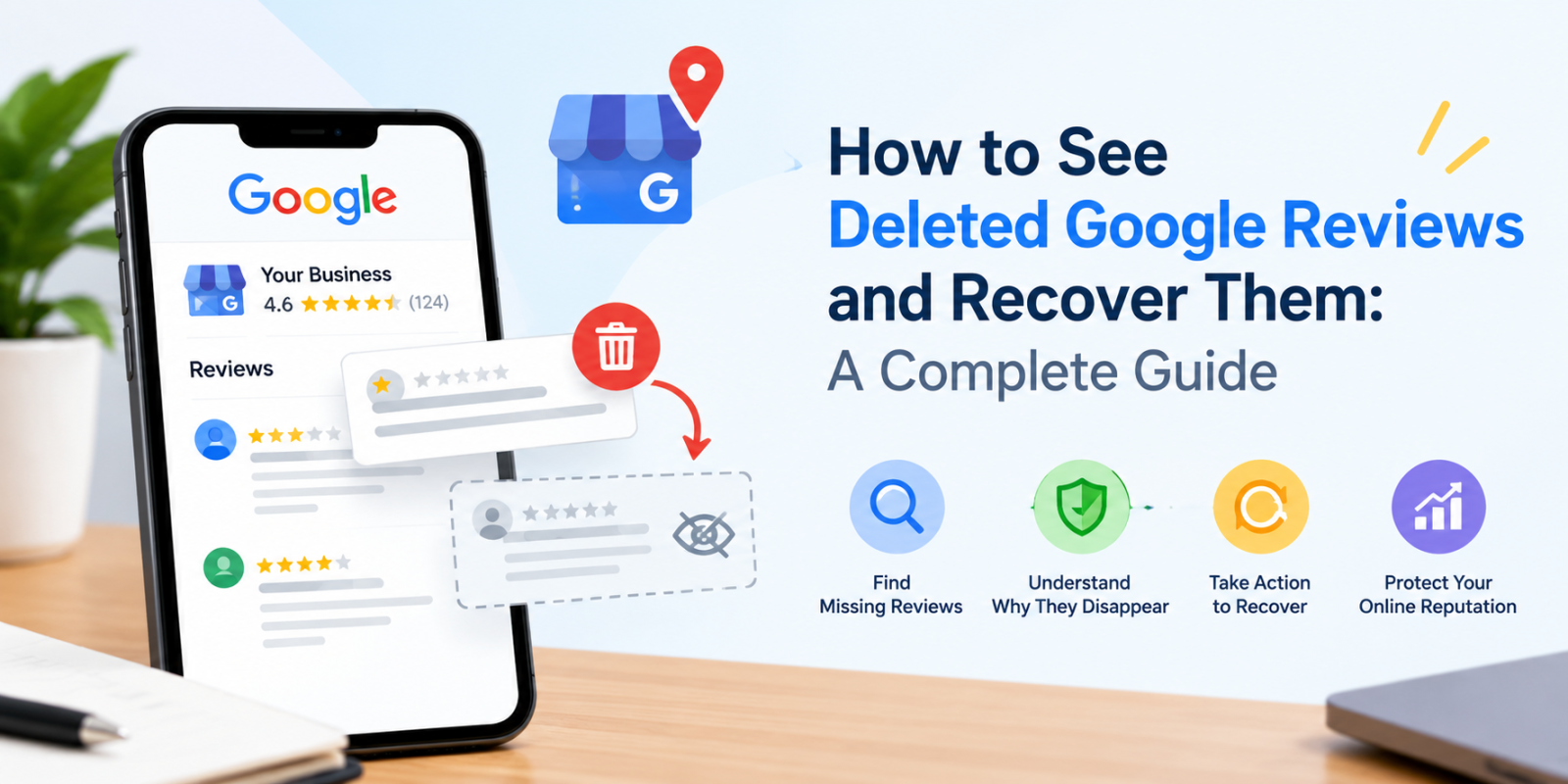
Google reviews play an important role in building customer trust, strengthening your online reputation, and helping potential customers evaluate your business. But what happens when you suddenly notice that some of your Google reviews have disappeared?
If you are wondering how to see deleted Google reviews, why Google reviews disappear, or whether you can recover missing customer feedback, you are not alone. Many business owners experience missing reviews on their Google Business Profile and want to understand what happened.
The good news is that not every missing review has been permanently deleted. Some reviews may be delayed, temporarily unavailable, or affected by changes to a business profile. However, reviews removed for violating Google's policies generally cannot be restored.
In this guide, we will explain how to investigate missing Google reviews, what steps you can take to report the issue, and how to manage your online reputation more effectively.
Can You See Deleted Google Reviews?
Google does not provide a universal history or recycle bin where business owners can view all permanently deleted reviews. Once a review has been removed, you may not be able to access it through your public Google Business Profile.
However, you can investigate missing reviews by checking your Google Business Profile, reviewing any available records, and contacting Google Business Profile Support when appropriate.
Here are a few ways to investigate missing reviews:
- Check your Google Business Profile: Visit your business listing on Google Search or Google Maps and review the available customer feedback.
- Check previous records: Look for screenshots, customer communications, review notifications, or reports that document the missing reviews.
- Check for delayed reviews: Give Google time to process reviews that may not have appeared immediately.
- Contact Google Support: Report the missing reviews if you believe genuine customer feedback has disappeared unexpectedly.
Keep in mind that screenshots and notifications can help you document a missing review, but they do not guarantee that Google will restore it.
Why Do Google Reviews Disappear or Get Deleted?
Before attempting to recover a missing review, it is important to understand why it may have disappeared.
1. Did Google Remove the Review for a Policy Violation?
Google uses automated systems and review policies to identify spam, fake engagement, and inappropriate content. Reviews that violate these policies may be removed.
For example, reviews may be affected if they contain prohibited content, are considered spam, or do not comply with Google's contribution policies.
Google generally does not restore reviews that were removed for policy violations.
2. Is the Review Still Being Processed?
Sometimes, a newly submitted review does not appear immediately. Google may need time to review the contribution before displaying it publicly.
If a customer recently submitted a review, allow a few days and check again before assuming it has been deleted.
3. Did You Recently Merge or Change Your Business Profile?
Changes involving duplicate listings or merged Google Business Profiles can affect how reviews appear. Following a profile merge, reviews may take a few days to become visible.
If your business moved to a new location or you accidentally created another profile, contact Google Support to determine whether review transfer assistance is available.
4. Was Your Google Business Profile Suspended and Reinstated?
Reviews may sometimes disappear after a suspended or disabled Google Business Profile is reinstated.
If you notice missing reviews after your profile has been restored, contact Google Business Profile Support and provide relevant details about the issue.
5. Has Google Temporarily Restricted Reviews on Your Profile?
In certain circumstances, Google may temporarily restrict user-generated content, including reviews, for specific profiles or business categories.
This does not necessarily mean that your business has permanently lost all its reviews. Check the relevant Google notices and support documentation to understand the situation.
How to Check Missing Reviews on Your Google Business Profile
If your Google reviews have disappeared, follow these steps to investigate the issue systematically.
Step 1: Open Your Google Business Profile
Sign in to the Google account associated with your business and open your Business Profile on Google Search or Google Maps.
Make sure you are managing the correct business listing, especially if your company has multiple locations.
Step 2: Check Your Current Reviews
Open the reviews section and compare the current reviews and rating with your previous records, if available.
Look for changes such as:
- A sudden reduction in the total number of reviews.
- A specific customer's review no longer appearing.
- A change in the displayed star rating.
- Several reviews disappearing within a short period.
Remember that the displayed rating can change when reviews are added, removed, or recalculated.
Step 3: Check Whether the Reviews Are Delayed
If the missing feedback was submitted recently, wait a few days and check the profile again.
You can also ask the customer to confirm whether they can still see their review on their own Google Maps account. Do not ask them to create duplicate reviews or repeatedly repost the same feedback.
Step 4: Review Your Business Profile Changes
Consider whether you recently changed your business name, location, ownership, or profile structure.
If the issue occurred after a profile merge, relocation, suspension, or reinstatement, mention that information when contacting Google Support.
Step 5: Gather Evidence of Missing Reviews
Before contacting support, collect any information that may help Google investigate the problem.
Useful details include:
- Your business name and Google Business Profile ID.
- The names of customers whose reviews are missing, if known.
- Approximate dates when the reviews disappeared.
- The number of reviews that appear to be missing.
- Screenshots or previous review records, if available.
- Relevant support case IDs, if you have already contacted Google.
Organizing this information can make your support request clearer and easier to investigate.
How to Recover Deleted Google Reviews: Step-by-Step Process
If you believe genuine customer reviews have disappeared unexpectedly, follow the process below.
Step 1: Visit Google Business Profile Help
Go to the official Google Business Profile Help Center.
Find the guidance related to missing or delayed reviews and review the possible reasons for the issue.
Step 2: Contact Google Business Profile Support
If the missing reviews are not explained by a processing delay or known policy issue, contact Google Business Profile Support.
Explain the problem clearly and select the relevant option for missing reviews when available.
Step 3: Provide Complete Information
Include your Business Profile ID, the approximate date the reviews disappeared, the number of missing reviews, and any supporting evidence.
If your profile was recently reinstated or merged, explain that as well.
Step 4: Follow Google's Response
Google may investigate the issue and request additional details. Monitor your email and any available support case updates.
Avoid submitting repeated requests without new information, as this may make the issue harder to track.
Step 5: Understand the Possible Outcome
There is no guarantee that missing reviews will be restored. If Google confirms that the reviews were removed for policy violations, they generally cannot be reinstated.
If Google identifies an eligible issue, follow the instructions provided by its support team.
Important: No third-party local SEO tool can guarantee the recovery of reviews that Google has permanently removed. Be cautious of services promising guaranteed restoration.
What Should You Do If Google Does Not Restore Your Reviews?
If Google cannot restore the missing reviews, focus on building a sustainable review management process.
Encourage Genuine Customer Feedback
Ask customers to share honest feedback about their real experiences with your business.
You can send a review request after completing a purchase, delivering a service, or resolving a customer query. Make the process convenient by sharing your official Google review link.
Do not offer rewards in exchange for positive reviews, selectively solicit only favorable feedback, or pressure customers to leave reviews.
Respond to Existing Reviews
Respond professionally to both positive and negative reviews. Thank customers for their feedback and address genuine concerns with practical solutions.
Consistent engagement demonstrates that your business values customer experiences.
Monitor Your Google Business Profile Regularly
Check your business listing periodically to identify unusual changes in review counts, ratings, or customer feedback.
Maintaining regular records can help you recognize problems sooner and provide useful information if you need to contact Google Support.
Improve the Customer Experience
Use customer feedback to identify recurring complaints, improve service quality, and address operational problems.
Genuine positive experiences can help you earn more authentic reviews over time.
How Do Missing Google Reviews Affect Local SEO?
Google reviews can contribute to customer confidence and influence how people evaluate local businesses. Review quantity, ratings, and customer feedback are also relevant to local search visibility, although no single review metric guarantees a particular ranking.
Missing reviews may affect your business in several ways.
Reduced customer trust: A lower displayed rating or fewer reviews may influence how potential customers perceive your business.
Lower conversion opportunities: People comparing nearby businesses may be less inclined to contact a business with limited visible feedback.
Less customer feedback: Missing reviews can reduce the information available to identify service strengths and areas for improvement.
Difficulty tracking reputation: Inconsistent review records can make it harder to evaluate customer sentiment over time.
However, do not assume that a sudden drop in reviews automatically causes a ranking penalty. Investigate the cause, maintain an accurate Business Profile, and continue focusing on genuine customer experiences.
How Can a Local SEO Tool Help You Manage Google Reviews?
Managing Google reviews becomes more challenging as your business grows or you start operating in multiple locations.
A structured local SEO workflow can help you keep track of business listings, review activity, and other important local search information.
When evaluating a local SEO tool, consider whether it supports the following activities:
- Monitoring available review information and reputation trends.
- Tracking local search performance.
- Managing business listing information consistently.
- Identifying opportunities to improve your local SEO strategy.
- Organizing reporting for individual locations or clients.
LocalSEOTool – Local SEO Tool can be explored as part of your local SEO workflow. Visit to learn more about the platform and assess whether its available features fit your business requirements.
Before choosing any tool, verify its current features and integrations. A tool can help organize local SEO activities, but it cannot independently restore reviews removed by Google.
Frequently Asked Questions About Deleted Google Reviews
1. How can I see deleted Google reviews?
Google does not provide a universal archive of permanently deleted reviews. You can investigate missing reviews by checking your Business Profile, reviewing screenshots or notifications, and contacting Google Support when appropriate.
2. Can I recover deleted Google reviews?
Recovery depends on why the reviews disappeared. Google may investigate certain missing-review issues, but reviews removed for policy violations generally cannot be restored.
3. Why did my Google reviews suddenly disappear?
Possible reasons include policy enforcement, spam detection, delayed processing, profile merges, temporary restrictions, or issues following profile reinstatement.
4. How long does Google take to restore missing reviews?
There is no universal restoration timeline. Some delayed reviews may appear within a few days, while support investigations can take longer. Reviews removed for policy violations generally will not be restored.
5. Can a Google review disappear because a customer deleted it?
Yes. A customer can edit or delete their own review. If a customer removes their review, the business owner cannot restore it on the customer's behalf.
6. Do deleted Google reviews affect local SEO rankings?
Missing reviews may influence customer trust, displayed ratings, and engagement. However, the effect on rankings varies, and a review count change does not automatically mean your business will lose rankings.
7. Can a local SEO tool recover permanently deleted Google reviews?
A local SEO tool may help with monitoring, reporting, and reputation management, depending on its features. It cannot guarantee restoration of reviews permanently removed by Google.
8. Should I ask customers to post their reviews again?
If a review is missing, first investigate the cause. You can invite customers to share honest feedback in accordance with Google's policies, but avoid pressuring them to repost, creating duplicate reviews, or offering incentives.
Conclusion
Understanding how to see deleted Google reviews is important for businesses that depend on local search visibility and customer trust. Although Google does not provide a universal deleted-review history, you can investigate missing feedback, collect supporting evidence, and contact Google Business Profile Support when necessary.
Remember that not every missing review can be recovered. The best long-term strategy is to encourage authentic customer feedback, respond to reviews professionally, maintain an accurate Business Profile, and monitor your online reputation consistently.
Looking to improve your local SEO workflow? Explore LocalSEOTool – Local SEO Tool and discover how its available features may support your local search and reputation management efforts.